The SAP Business One Web User Interface (Web UI for short, also known as Web Client) is a modern, browser-based interface for the SAP Business One ERP system. It offers users a new, intuitive way to access their business processes – mobile, flexible, and cloud-enabled. Since its introduction with Release 10, the Web UI has been continuously developed. The Web UI is becoming increasingly important, particularly in the context of digitalization, remote work, and the expectations of younger generations for modern software solutions.
The SAP Business One Web UI is a web-based alternative to the classic SAP Business One desktop client. It allows users to access ERP functionalities directly via their browser and does not require any additional local software installation.
Visually, it uses the modern SAP FIORI design, which is also used in SAP S/4HANA Cloud. The Web UI is therefore an important building block for companies on their way to the cloud – whether in a hybrid environment or completely cloud-based.
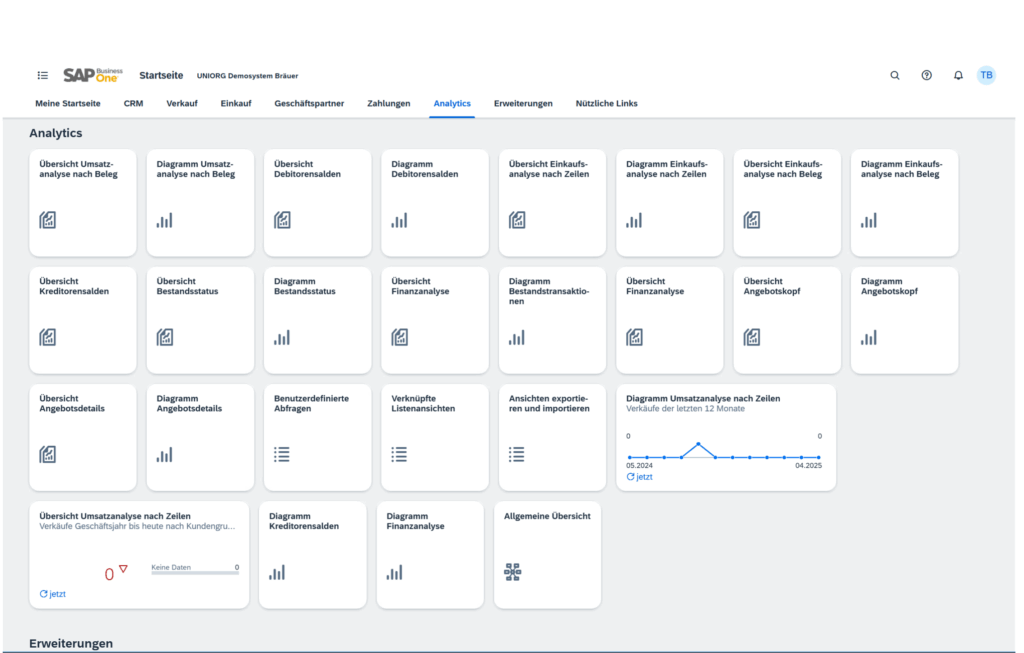
While the desktop client has been established for decades, the web client takes a new approach:
Desktop-Client | Web UI |
|---|---|
Monolithic masks with embedded search | Simple function-based apps (e.g., “Create customer order”) |
Drag & Relate as a key feature | Interactive dashboards and modern analytics |
Local installation required | Standardized interface with a focus on user experience (UX) |
Support for SQL-based queries and alerts | Browser-based access without installation |
Simple drill-down function using the familiar yellow arrows | Multitab usage & individually savable views |
In short, the web UI is not just a different way to access the system, but represents a new way of working—mobile, role-based, and analytical. It scores points with an improved user experience and a modern look and feel.
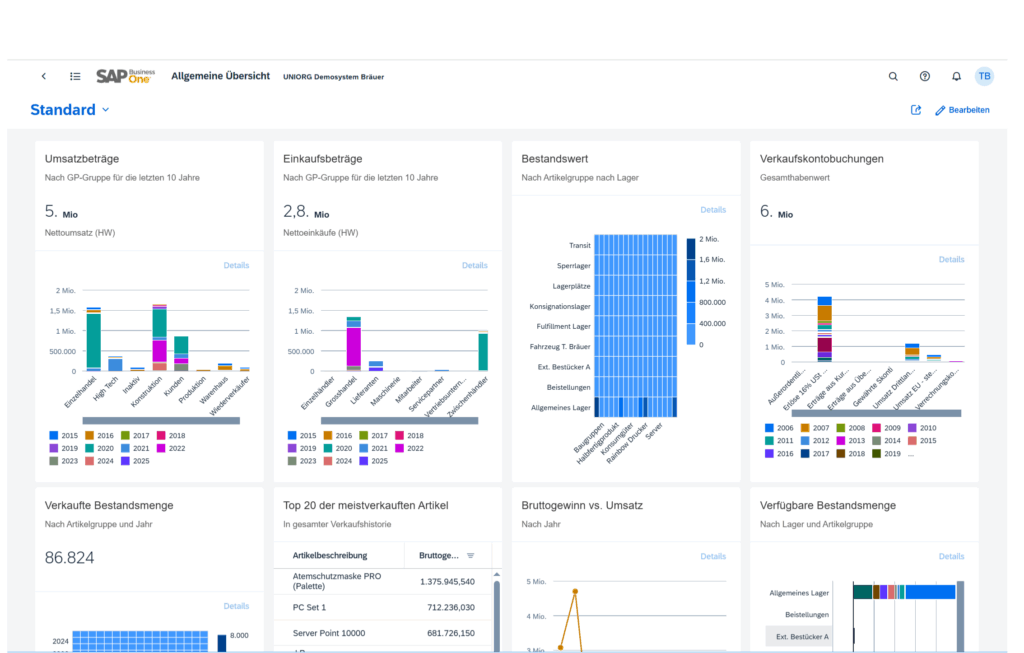
For a long time, many companies ignored the web client—partly out of ignorance, partly because of its limited functionality. But now the picture has changed:
Our recommendation: Take another look at the web user interface – it is no longer a “beta product,” but a serious alternative to the classic client. With each new feature pack, additional functions are added.
The SAP Business One 10.0 FP 2402/2502 feature pack has significantly expanded the functionality of the Web UI. Particularly noteworthy:
CRM and master data processes:
Basic processes in the areas of:
Analysis functions:
Customization and integration:
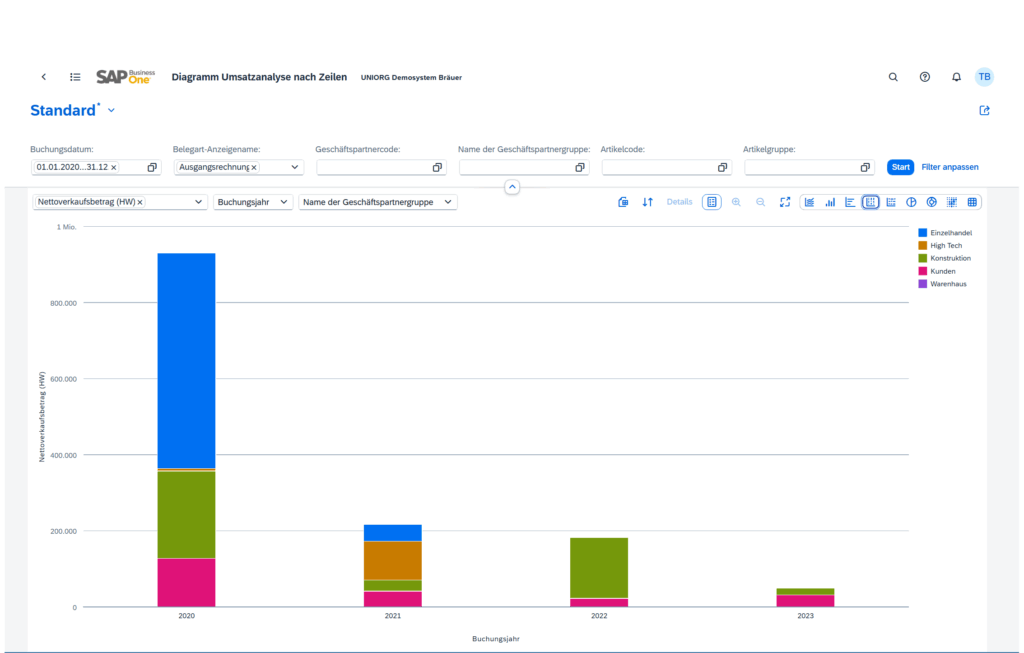
Despite all the progress made, there are still limitations compared to the desktop client:
For companies with a high degree of customization or complex add-ons, the classic client remains indispensable at present.
With the Web UI, SAP is pursuing a strategic realignment to reflect current trends in the software market:
Provision of the SAP Services Layer (Rest API) for modern connection of third-party solutions such as Netronic Manufacturing from Boyum IT.
The SAP Business One Web UI has developed into a mature alternative to the previous desktop client. It is particularly suitable for the following scenarios:
Our recommendation: Anyone using SAP Business One should actively evaluate the web client. It is not just a new approach—it is a new standard in ERP use.